






Ozon Work

Work at Ozon warehouses: part-time shifts via the Ozon Job app

Find a warehouse in your city: real addresses and warehouse operator conditions, based on Ozon data. Sign up in the Ozon Job app with an invitation code — a bonus of up to 5,000 ₽* is credited after you meet the promotion conditions.

  • Money to an Ozon Bank card from 3 hours after a shift, to other banks' cards — once a week
  • Work under a civil-law contract, as self-employed or a sole proprietor; staff positions on request
  • Paid training on the first day, no experience needed
  • You choose your shift: day or night, 4 to 12 hours
  • From age 16 for Russian citizens: no night shifts, parental consent required
Illustration: two warehouse workers in uniform shaking hands

Ozon in numbers*

Why work at Ozon

50,000+

staff employees

55+

fulfilment centres

65 million

active customers

600,000

active sellers

5 million m²

logistics space

up to 20,000 ₽

bonus for a friend

* Figures are taken from Ozon's public sources and rounded; they are current at the time of publication and may change. The bonus for a friend depends on the warehouse and the promotion conditions. This site is independent and is not Ozon's official site.

Warehouses by city

Ozon warehouses in your city

Our database has warehouse addresses and conditions for 194 cities and regions. Here are the cities with the most warehouses; find yours in the search among all 360 cities.

All cities and regions →

First steps

How to get to your first shift

  1. Step 1 of 4

    Registration

    In the Ozon Job app: sign in via Gosuslugi or Ozon Bank. Choose a warehouse — the region is set automatically.

    • Gosuslugi or Ozon Bank
    • INN and SNILS
  2. Step 2 of 4

    Cooperation type and bank details

    Choose a civil-law contract, self-employment or sole proprietorship and enter your account details. Your profile goes for review — the result will arrive in the app.

    • Civil-law · self-employed · sole proprietor
    • Ozon Bank card — faster payouts**
  3. Step 3 of 4

    Booking a slot

    After the review, book a 4–12 hour slot and accept the offer agreement. Bring your documents.

    • 4–12 hour slot
    • Passport, SNILS, INN
  4. Step 4 of 4

    Training and the first shift

    The first day is on-site training at the warehouse, and it's paid. Then you get a data collection terminal — and start working.

    • Paid first day
    • Payout from 3 hours**

** Based on the Ozon Job help centre (docs.ozon.ru, checked September 22, 2026). Payout times depend on your rating level and your card's bank.

AdvertisementOzon Job referral programme

Sign up with an invitation code — a bonus after meeting the conditions

The invitation code is entered in the app. The reward isn't for installing — it's credited when you complete tasks worth the required amount at the chosen warehouse; the amount is stated in the promotion and depends on the warehouse.

  • Haven't worked at Ozon before
  • The code is entered in the app
  • Enter the code and get up to 5,000 ₽*

Your invitation code

QK3HMR42

Where to enter it: on the home screen, on the promotion page or in Profile → Bring a friend

Download Ozon Job from an app store

  1. Download Ozon Job

    Open the app and tap “Join”.

  2. Register

    Via Gosuslugi or Ozon Bank, enter your INN and SNILS, choose a warehouse.

  3. Enter the code

    On the home screen, on the promotion page or in Profile → Bring a friend.

  4. Meet the conditions

    Book a slot and complete tasks worth the amount stated in the promotion.

* The bonus is credited after meeting the promotion conditions: tasks worth an amount that depends on the warehouse.

Important: only those who haven't worked at Ozon before can take part. If you've already worked with Ozon, the promotion isn't available. Conditions and amounts are set by Ozon and may change.

Advertisement. We are an independent information site, not Ozon. If you register with our code, we may receive a reward from Ozon. Advertiser: Internet Solutions LLC, INN 7704217370.

Bring a friend

How the invitation code works

Steps and rules according to the Ozon Job help centre: for those who were invited and for those who invite.

You were invited

How to apply the code

  1. Register in Ozon JobVia Gosuslugi or Ozon Bank. Only someone who hasn't worked at Ozon before can be invited.
  2. Apply the codeOn the home screen, on the promotion page or in Profile → Bring a friend: enter the code and tap “Apply”.
  3. Book slotsBook and complete operations at the warehouse.
  4. Track your progressHow much is left to reach the required amount is shown on the promotion page.

You invite

How to get the reward

  1. Work a slotYou can invite once you've completed tasks on at least one slot.
  2. Open the promotionIn your account, tap the “Bring a friend” promotion.
  3. Send the codeShare your invitation code — your friend enters it in the Ozon Job app.
  4. Get the rewardWhen your friend completes operations worth the required amount. It arrives after tax — see Payouts → Transactions.

Good to know

  • The amount depends on the warehouseYour friend must complete operations worth a certain amount. Operations count at the warehouse they chose for their first booking.
  • The warehouse left the promotionProgress is kept — tasks will continue to count.
  • Your friend didn't reach the amountIf the amount isn't reached and the contract is terminated, there will be no reward.
  • New contract — new codeThe code changes when the contract is re-signed. No reward is credited for friends invited with the old code.

The reward amount and conditions depend on the warehouse and the promotion — see them in the app. Ozon's help centre describes the reward for the inviter. Conditions and the list of participating warehouses →

Money

How payouts are calculated and when they arrive

Based on the Ozon Job help centre. Timing depends on your rating level and your card's bank.

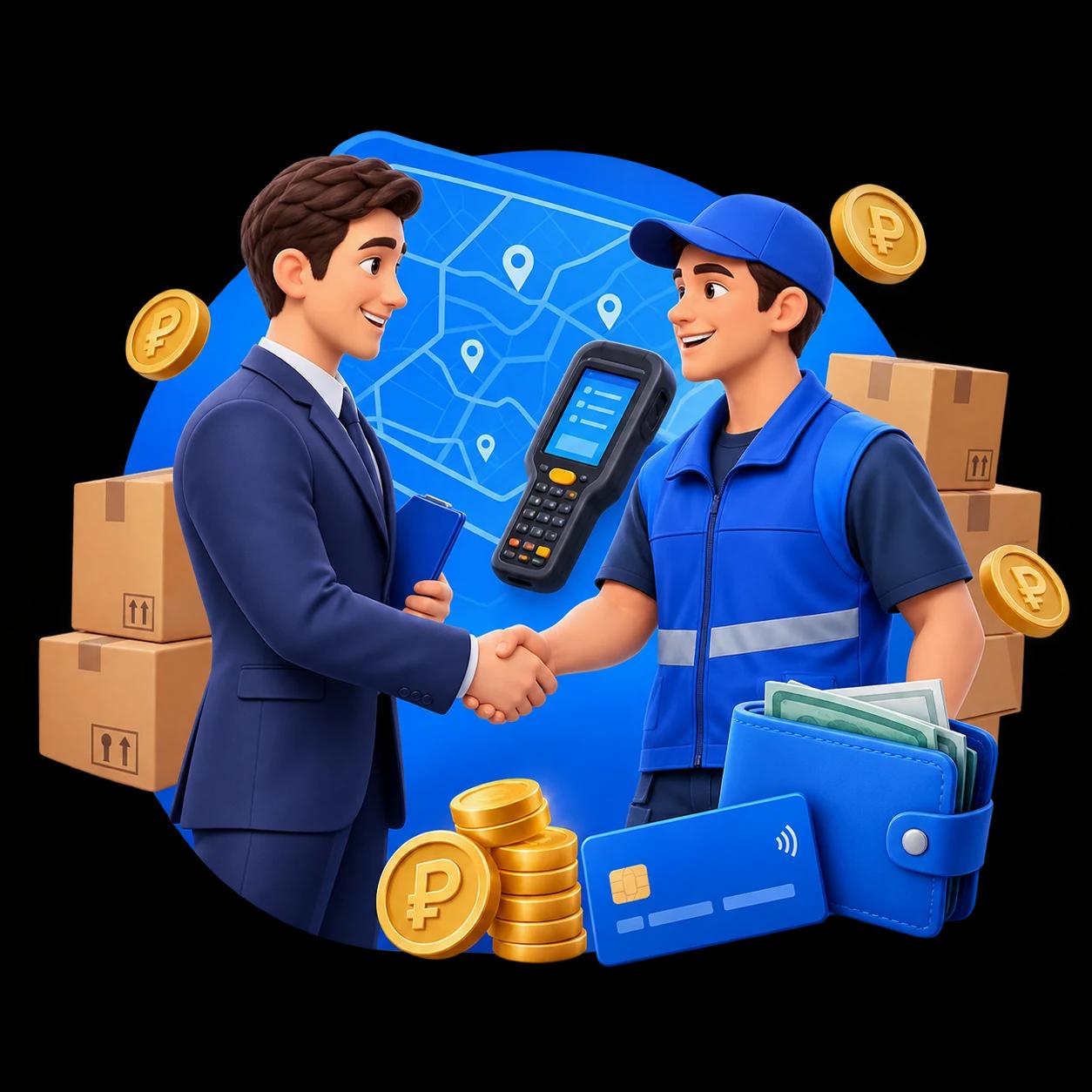
Illustration: a manager shakes hands with a warehouse worker holding a scanner, with boxes and coins nearby

How the payout for a slot is calculated

  1. ScansEach operation on the data collection terminal is one “scan”
  2. RateDepends on the size, volume and weight of the item. Rates are dynamic
  3. RewardThe amount for the slot — before taxes and deductions

Taxes and deductions are subtracted from the total. Under a civil-law contract Ozon withholds and pays the tax; self-employed people and sole proprietors pay it themselves.

When the money arrives

  • 3 h“Newcomer” and “Diamond”Money arrives automatically to an Ozon Bank card 3 hours after the slot ends.
  • 12 hOther rating levelsTo an Ozon Bank card — 12 hours after the slot ends.
  • fastest1 h“Diamond”: manual withdrawalOnce an hour: Payouts → “Withdraw money”. Arrives within 5 minutes. Requires an Ozon Bank card.
  • TueOther banks' cardsOnce a week, on Tuesdays. If Tuesday is a holiday, the payout arrives on the first working day after it.

Ozon Bank pays on holidays too. The countdown starts when the slot ends. All rating levels and how they work →

Based on the Ozon Job help centre (docs.ozon.ru, checked September 22, 2026). Conditions may change.

First shift

What to bring and how the first day goes

Documents and the first-day routine according to the Ozon Job help centre.

Documents for the first shift

Collected:

Collected:

For Ozon Job, bring your passport to the first shift; SNILS and INN can be shown electronically. For a staff position under an employment contract — the standard list under Art. 65 of the Russian Labour Code; the employer will specify the full list.

Foreign citizens — a passport and a document confirming grounds for staying in Russia. A medical record book isn't required for warehouses; if you have one, bring it.

Before the shift and on the first day

  1. Online coursesComplete the assigned courses in the app (Home → Mandatory training). If a course has a deadline — no later than 3 hours before the booking, otherwise it will be cancelled.
  2. Getting thereArrive 30 minutes before the slot: you need to pass the checkpoint and change. You can get to the warehouse yourself or by company transport — if the warehouse has that badge.
  3. PassGet a temporary pass at the pass office — they'll tell you how to get to the training department.
  4. Training and the scannerWarehouse rules and the chosen operations; then you get a data collection terminal. Forgot your documents? Book a slot again and bring them.

Based on the Ozon Job help centre (docs.ozon.ru), checked September 22, 2026: “Documents for the first shift”, “First shift”.

Contract type

Civil-law contract, self-employment, sole proprietorship or staff

  • Civil-law contract

    TaxesOzon withholds and pays the taxes

    A contract with Ozon, without an employment relationship. Service acceptance certificates are generated after each slot.

  • Self-employment

    TaxesOzon Job withholds the tax (automatic payment)

    Up to 8 warehouse slots a month: if you exceed this 3 months in a row, you'll be offered a civil-law contract. Not available if you've worked in the Ozon group in the last 2 years.

  • Sole proprietor

    TaxesYou pay the taxes yourself

    The status must be registered in advance — with the tax service, via Gosuslugi or a bank.

  • Staff (Labour Code)

    TaxesThe employer pays the taxes

    Permanent work at one site, a fixed schedule. Russian citizens over 18. Apply in the app.

Only Russian citizens can change the cooperation type, and no more than 10 times in total (per the Ozon Job help centre, checked September 22, 2026).

AdvertisementOzon Bank · Debit card

Get an Ozon Card via our link — up to 25% cashback

A free Ozon Bank debit card: opening and service — 0 ₽, no fees for top-ups and transfers. Pay with it outside Ozon and get up to 25% cashback in rubles or items for 1 ₽, and on Ozon itself — up to 30% off.

  • Up to 25% cashback or items for 1 ₽ for purchases outside Ozon
  • Up to 30% off purchases on Ozon
  • Free: opening, service, top-ups and transfers
Open link
Ozon Карта•••• •••• •••• 0000
  1. Follow the link or QR code

    If you don't have an Ozon Bank account yet, you'll register right there via the link.

  2. Order the card

    Within 72 hours of following the link. Missed it? No problem — open the same link again.

  3. Activate it and make 5 purchases

    Within 45 days — with the card, outside Ozon, not via QR code or SBP.

  4. Get the cashback

    Up to 25% in rubles or items for 1 ₽ — on the cashback payout date.

The link doesn't “expire”: if you didn't order the card within 72 hours, open the same link again and the countdown restarts. Cashback, discounts and service conditions follow the card tariff and may change.

Advertisement. We are an independent information site, not Ozon or Ozon Bank. The link is a referral link: if you get the card through it, the bank may pay us a reward — this doesn't affect your cashback. The “Ozon Card” service is provided by OZON Bank LLC, Bank of Russia licence No. 3542 of 12.04.2023.

Questions

Frequent questions about part-time work

To an Ozon Bank card — 3 hours after the slot at the “Newcomer” and “Diamond” levels, or 12 hours at other levels; “Diamond” can withdraw money manually once an hour. To other banks' cards — once a week, on Tuesdays.

The payout is the number of operations (scans) × a rate that depends on the warehouse and the item's dimensions. The expected amount per hour and per 12-hour slot is shown on the warehouse card in the app, and a detailed breakdown appears the day after the slot.

To register — a passport, INN and SNILS: the data is pulled in via Gosuslugi or Ozon Bank. Bring your passport to the first shift; INN and SNILS can be shown electronically.

Russian citizens — from 16. If you're under 18, for the first shift you'll need a 086/u medical certificate and parental consent using the template from the offer, and night slots won't be available.

Under a civil-law contract Ozon pays the taxes for you. For self-employed people Ozon Job also withholds the tax — automatic payment is mandatory for everyone from 1 October 2026; sole proprietors pay tax themselves. Self-employed contractors can take no more than 8 warehouse slots a month, and self-employment isn't available if you've worked in the Ozon group of companies in the last 2 years.

No experience needed: the first slot is a training one — you'll be shown the warehouse rules and given a data collection terminal (handheld scanner). The first day is paid under the “Starter support” promotion rather than as a regular slot; online courses before your shift will help you earn more.

In the “Warehouses” section choose a warehouse, process, date and slot length — 4, 6, 8 or 12 hours. For the next 3 days the booking is confirmed immediately; for later dates — via a queue: the higher your rating, the better your chance. Cancel in advance: the closer to the start, the more rating points are deducted, and a no-show costs 200 points and a “banana”.

Illustration: employees discussing charts on a large screen

All questions and answers →